

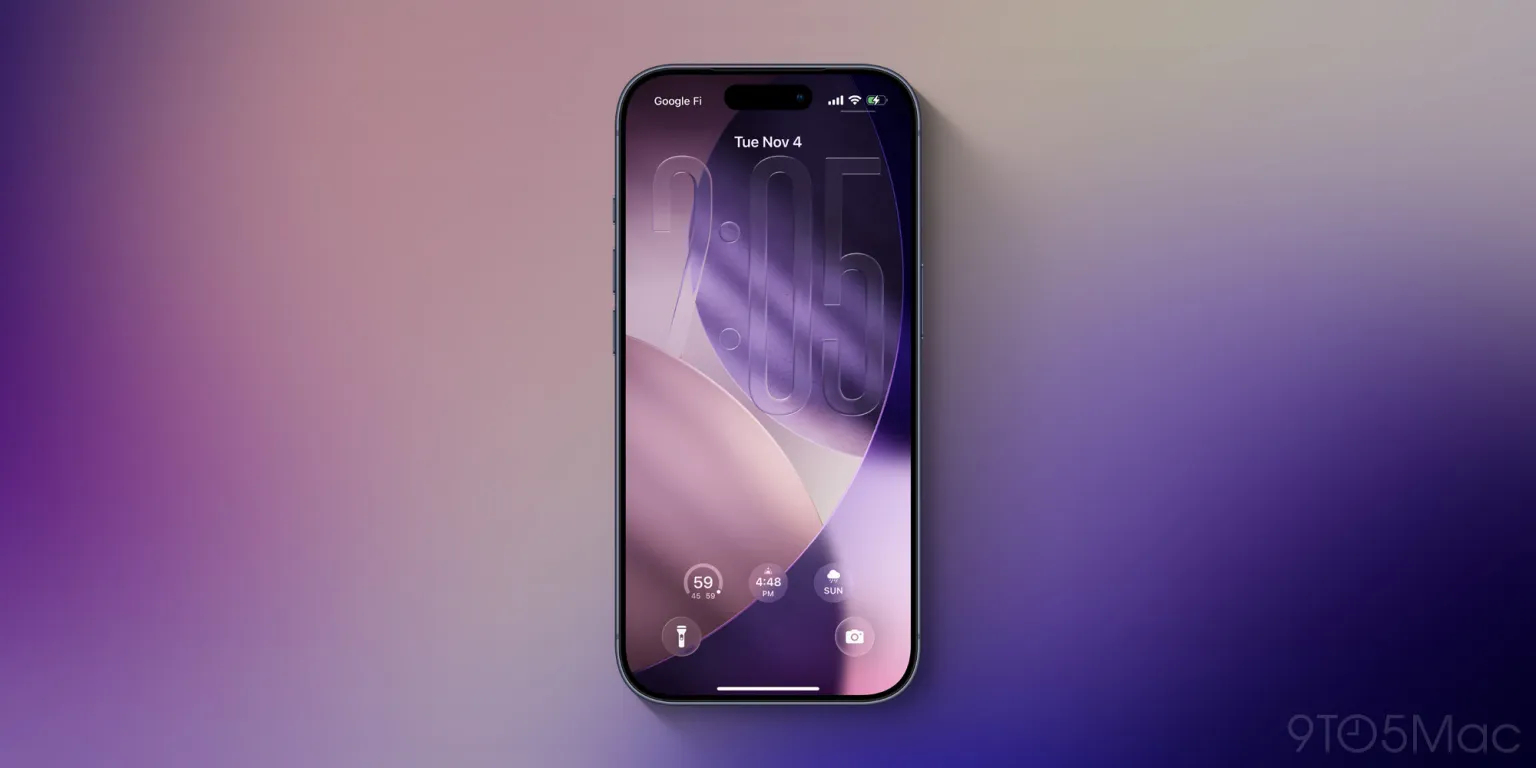
Apple is preparing to roll out iOS 26.2, and early reports suggest it will bring three new features designed to give iPhone users even more control over personalization. With each iOS update, Apple has balanced functional improvements with visual refinements, and this version appears to double down on customization options without compromising usability.
According to insiders familiar with the beta release, iOS 26.2 introduces:
- Advanced Home Screen Widgets – Users will gain access to more dynamic widgets, allowing deeper interaction and expanded functionality. Widgets can now adapt to time, location, and app usage patterns, making the home screen not only more personal but smarter.
- Custom App Icons and Themes – While Apple has allowed limited icon customization for years, iOS 26.2 takes this further. Users can choose from curated theme packs or design their own icon sets directly through the Settings app, providing a cohesive look across the device.
- Interactive Lock Screen Elements – The update introduces optional interactive modules on the lock screen, such as live shortcuts, mini-widgets, or notifications that respond to gestures. This feature is expected to enhance productivity and provide users with glanceable updates without unlocking the phone.
Beyond these customization features, iOS 26.2 is expected to include performance improvements, enhanced privacy controls, and bug fixes, keeping the overall experience smooth for older and newer devices alike. Apple appears to be emphasizing flexibility and user control, signaling a shift toward more individualized device experiences.
Early adopters and developers testing the beta have praised the update, noting that the new customization options could make iPhones feel more personal and uniquely tailored to each user’s workflow. Official release dates for iOS 26.2 have not been confirmed, but Apple is expected to make it widely available later this year.
With these changes, Apple seems determined to balance its hallmark simplicity with new ways for users to make their iPhones truly their own.










Leave a Reply