

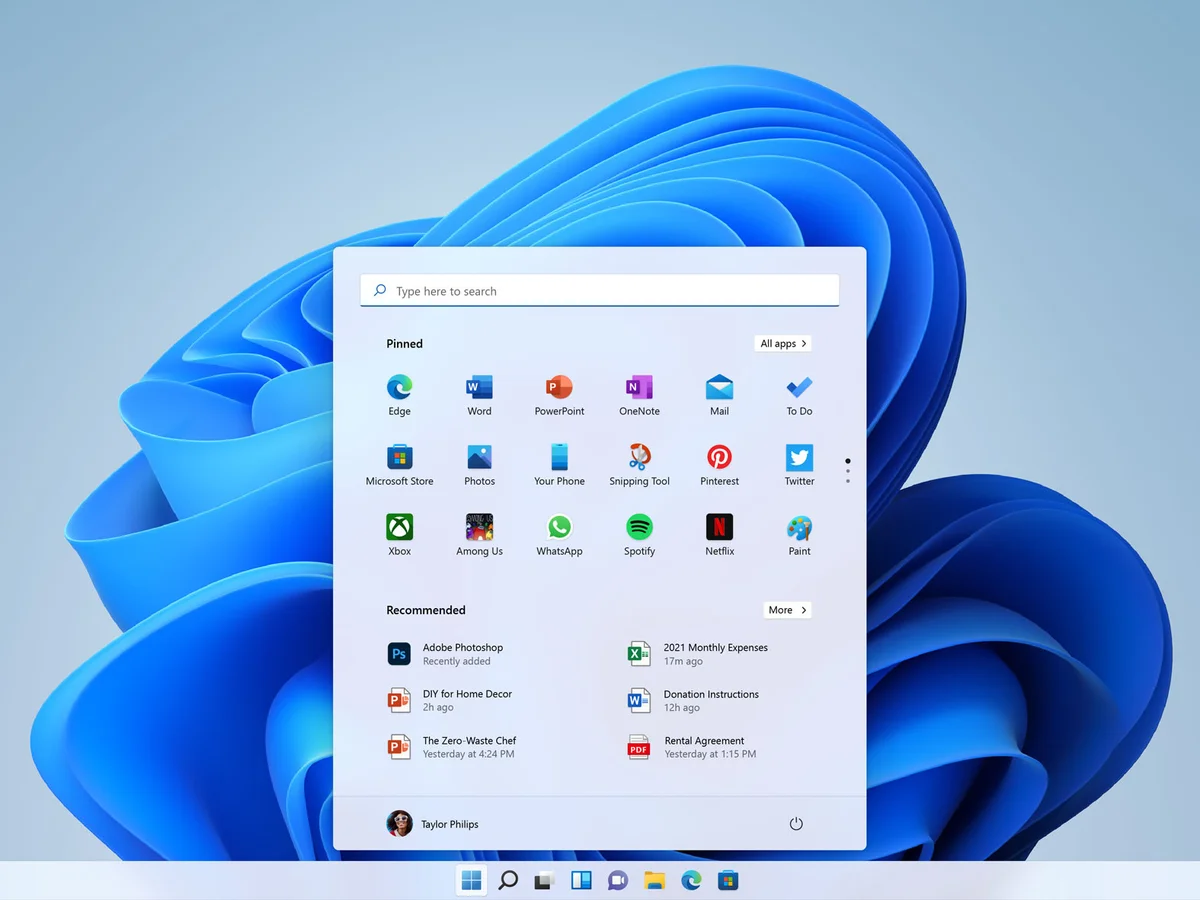
Microsoft is rolling out a significant update for File Explorer in Windows 11, focusing on both performance and usability. Developers working on preview builds have begun testing a preloading feature to speed up startup, especially on less powerful devices — and the long-criticized right-click (context) menu is being streamlined to make it less cluttered.
Preloading for Better Performance
In the latest Windows 11 Insider Dev preview, File Explorer can now be preloaded into the background when the system starts. This allows the app to be ready almost instantly when you open it. The change is particularly beneficial for devices with limited resources, such as tablets and handheld PCs, where File Explorer’s launch speed has traditionally lagged behind. Still, Microsoft has included a toggle: users who prefer not to run Explorer continuously in the background can disable the preload feature.
Context Menu Gets a Major Cleanup
One of the most noticeable changes is in the File Explorer’s right-click menu. Microsoft has reorganized the context menu to move less-frequently used actions into nested submenus, making the main menu much cleaner and less overwhelming. A new “Manage File” section houses options like compressing files to ZIP, copying the file path, setting files as desktop backgrounds, and rotating images.
Cloud‑related commands — such as sync or storage options — are now grouped under a dedicated “Cloud Provider” submenu, instead of being scattered throughout. This restructuring reduces visual clutter and helps users find common actions faster.
According to early testing, the updated context menu takes up significantly less vertical screen space than before, which makes it more usable on devices with smaller displays or higher resolution scaling. Observers say the change improves workflow by surfacing core commands while tucking more advanced or rare ones behind flyouts.
Developer-Friendly Tools and UI Changes
To empower app makers, Microsoft is introducing a developer tool — using a new control in its Windows App SDK — that allows for the creation of “split menus.” This means developers can define a primary action (e.g., “Open with Photos”) and group related secondary commands (like “Edit in Paint” or “Set as Desktop Background”) under a single menu item. The approach makes menus more intuitive and less cluttered, while preserving depth.
Because this update is being tested in Insider builds, it is likely to be refined based on feedback before broader release. Microsoft’s goal appears to be making File Explorer’s right-click interface more elegant and efficient without sacrificing functionality.
What It Means for Users
- Everyday users will benefit from a cleaner, more responsive File Explorer experience.
- Laptop and tablet owners should appreciate the reduction in menu size, especially when screen space is tight.
- Power users and IT professionals can take advantage of the nested structure, which keeps advanced actions accessible but out of the way.
- Developers can use the new Split Menu control to design more thoughtful context menus in their apps, aligning with Microsoft’s cleaner design philosophy.
As Microsoft continues to refine these updates in the preview channel, the company seems poised to improve one of Windows 11’s most used — yet criticized — features. If all goes well, users can expect these enhancements to land broadly in early 2026.












Leave a Reply