
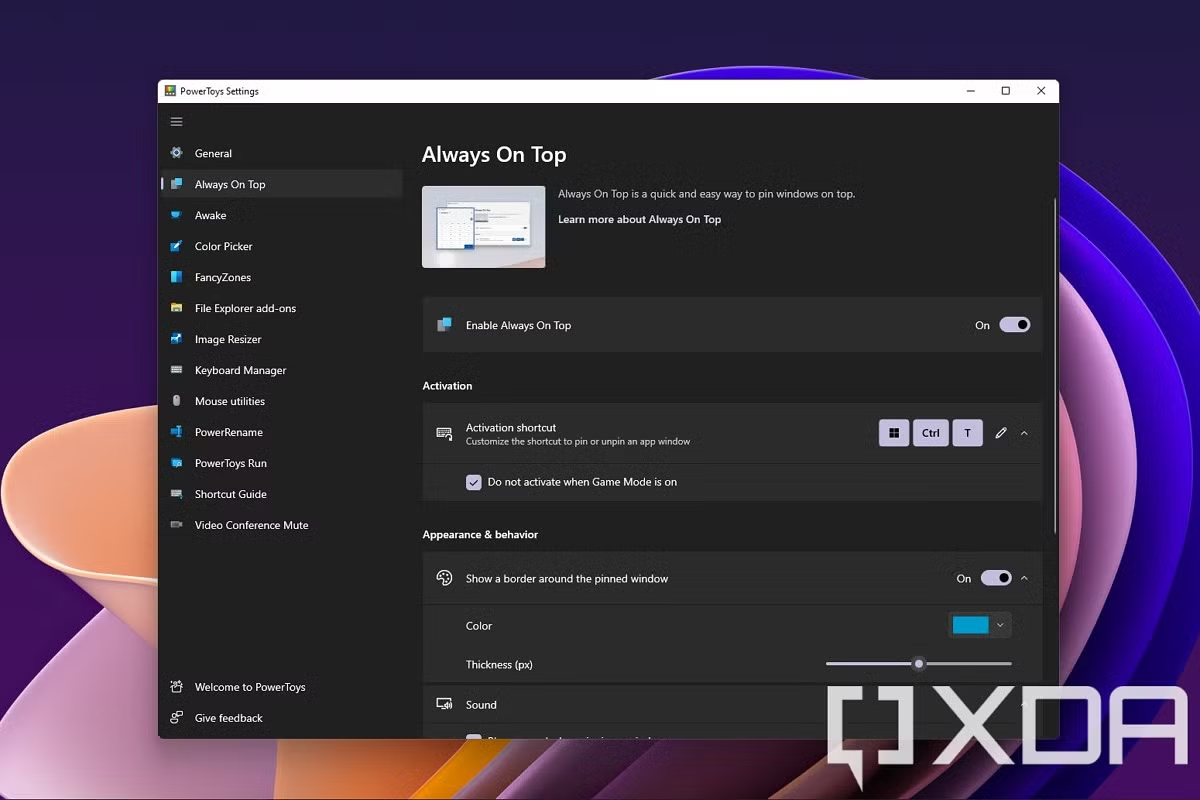
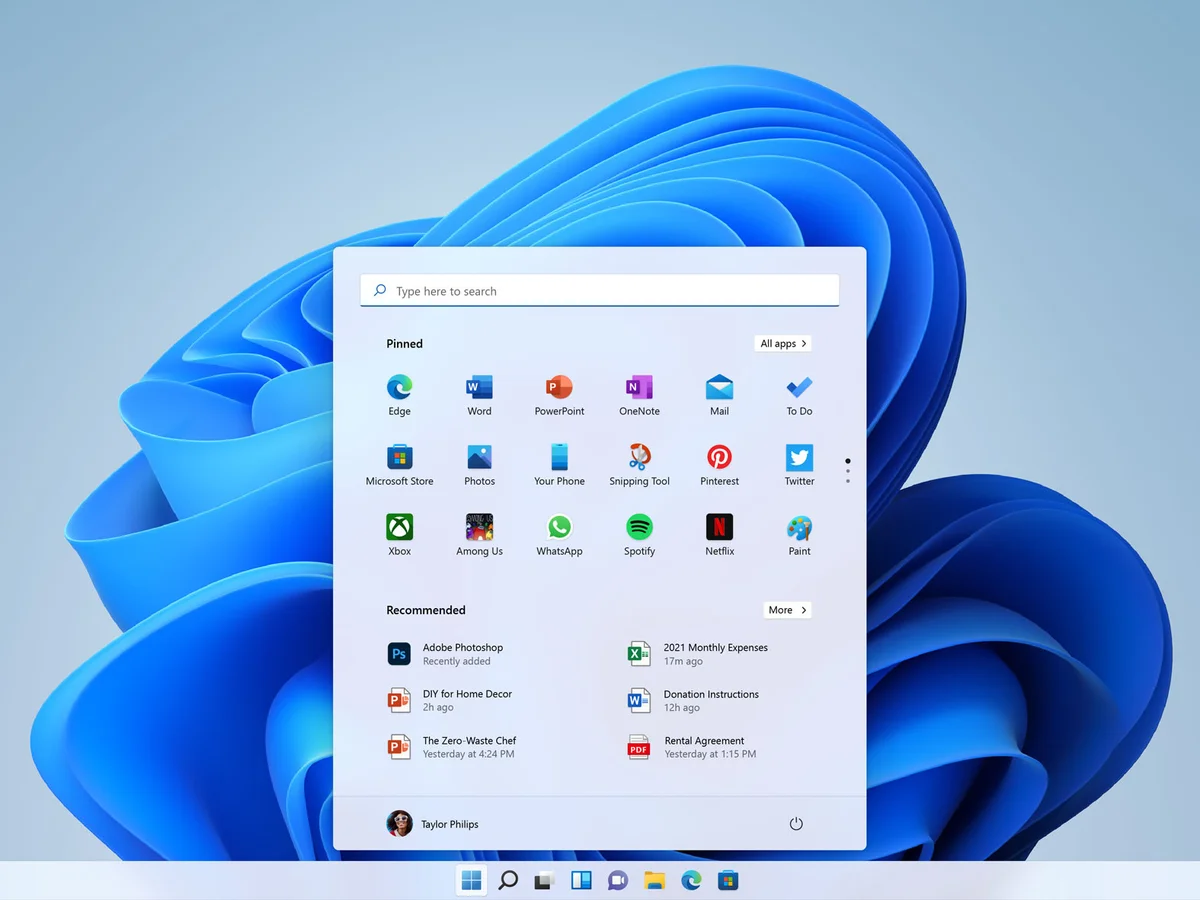
Microsoft is exploring a significant refinement to the Windows 11 user interface through a new experimental feature that puts a customizable top menu bar at the center of a redesigned desktop experience. The initiative — emerging from Microsoft PowerToys, the company’s playground for user‑driven innovation — signals a renewed focus on desktop productivity and personalization long after Windows 11’s initial launch.
What’s Changing: A Top Menu Bar Takes Shape
The proposed feature introduces a new menu bar docked at the top of the screen, offering quick access to utilities, shortcuts, and frequently used tools. Unlike the traditional taskbar — anchored at the bottom of the display — this top bar is designed to act more like a flexible command center that users can tailor to their workflows.
Key aspects of the experiment include:
- Customizable shortcuts to apps, files and key system settings.
- Context‑aware buttons that change based on current tasks or active apps.
- An optional compact mode for users who prefer minimal visual clutter.
- Drag‑and‑drop organization, letting individuals reorder icons and utilities with ease.
The idea isn’t simply a cosmetic adjustment — it’s a bold rethinking of how users can interact with Windows at a glance, placing critical information and tools within immediate reach.
Why Microsoft Is Trying This
Microsoft PowerToys has long been a testing ground for experimental features that may never ship in mainstream Windows releases. Past PowerToys utilities have included tools for enhanced window management, keyboard shortcuts, image resizing, and file previewing. This new top menu bar follows in that tradition, giving enthusiasts and early adopters a chance to try out bold ideas before they become official features.
Several motivations appear to drive this experiment:
- Productivity enhancement: By centralizing key actions at the top of the screen, Microsoft aims to reduce friction and streamline everyday tasks.
- User customization: Windows has historically offered more flexibility than many competing platforms. This feature pushes that reputation further by empowering users to shape their interface around their needs.
- Feedback‑led development: Community response in the PowerToys early‑access program helps Microsoft determine whether the top bar resonates with a broader audience.
What It Means for Users
For power users and tech enthusiasts, the feature promises a new way to work faster and more efficiently. Rather than minimizing windows or reaching for the bottom taskbar, users could:
- Launch frequently used apps without moving their cursor far from the top of the screen.
- View system information — like battery status, network alerts or calendar reminders — in a centralized spot.
- Configure dynamic controls that adapt to the current workflow, such as editing tools when a design program is active.
However, opinions are likely to vary among users. Some may welcome the extra utility and flexibility, while others — especially those satisfied with the classic taskbar layout — may find the top bar redundant or visually intrusive.
Customisation and Control at Its Core
Microsoft’s implementation prioritizes user choice. For those who want a clean desktop aesthetic, the top bar can be minimized or hidden entirely. Users can choose which shortcuts appear and how buttons are grouped, turning it into either a powerful hub or a subtle assistant depending on their preferences.
The drag‑and‑drop interface for personalization makes configuration approachable even for users who haven’t previously tweaked deep system settings.
Potential Future Windows Evolution
While still experimental, the top menu bar could hint at broader changes in future Windows versions. As cloud services, AI assistants and cross‑device integration grow more central to Microsoft’s strategy, having a flexible, prominent UI element for quick access could become increasingly valuable.
Some industry watchers speculate that Microsoft may eventually merge this experimentation with deeper AI capabilities — such as context‑aware suggestions or predictive tools — to anticipate user needs and surface relevant features dynamically.
Community Response So Far
Early feedback from testers in the PowerToys program shows a mix of enthusiasm and cautious curiosity. Many appreciate the added convenience for launching tools and apps, while some express a desire for even more customization options, such as adaptive themes or deeper integration with third‑party apps.
Importantly, because this feature is still in the PowerToys experimental stage, Microsoft is explicitly seeking community feedback to refine both functionality and design before considering any mainstream rollout.
Looking Ahead
For now, the top menu bar remains an experiment — but one that reflects Microsoft’s ongoing desire to evolve Windows 11 with innovative, user‑centric features. Whether it becomes a permanent part of the operating system or remains a PowerToys novelty will depend on user feedback, technical feasibility, and how well it fits into users’ daily workflows.
As Windows continues to mature, this experiment illustrates that even long‑established interfaces like the taskbar can still be reimagined to enhance productivity, personalization and user experience.









Leave a Reply