

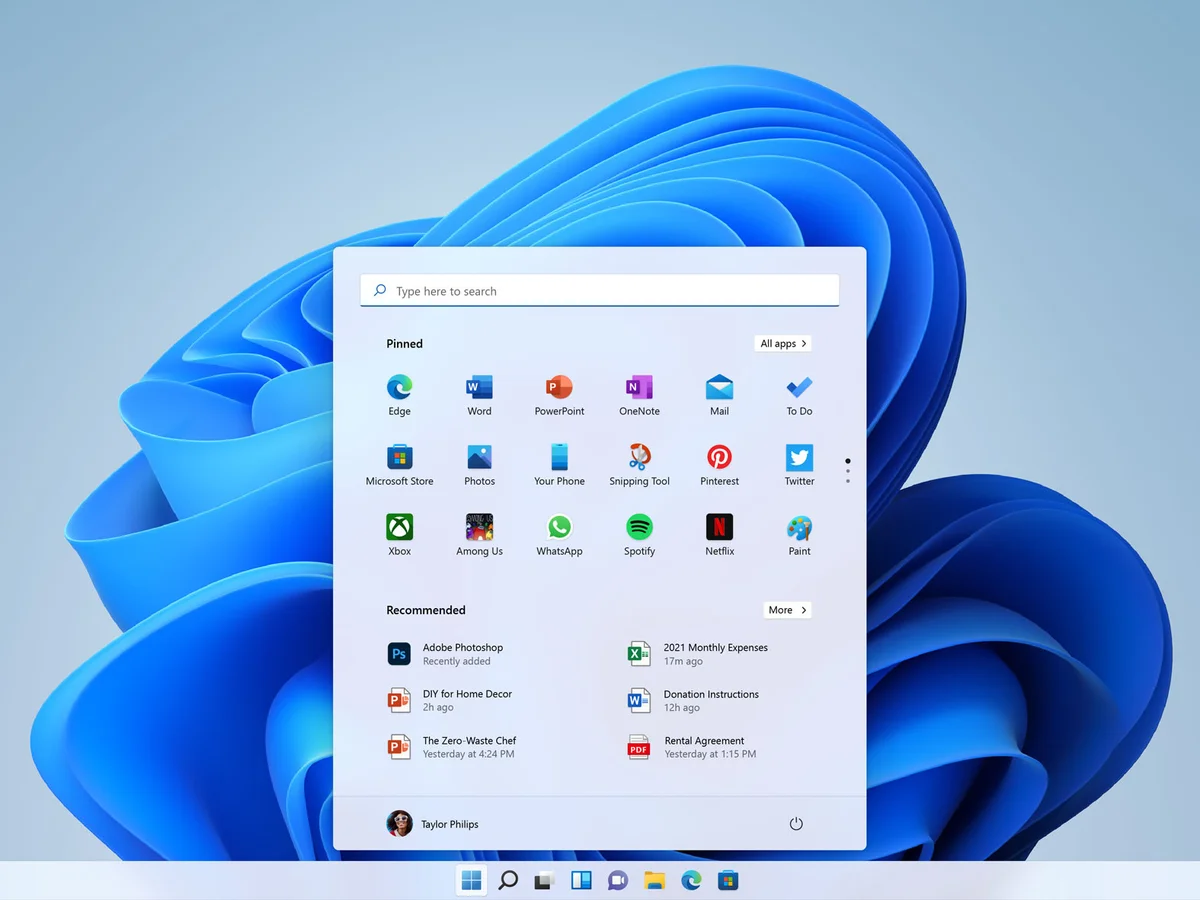
Microsoft is introducing a significant improvement to Android app support on Windows 11 that promises to make mobile applications feel far more seamless and reliable on PCs. The new App Resume feature — now available in preview — lets users return to Android apps exactly where they left off, eliminating one of the biggest frustrations of running these apps on Windows.
This update marks a meaningful shift in how Android applications behave within the Windows ecosystem, making them more consistent with native desktop expectations and offering a smoother, more intuitive experience.
What Is the App Resume Feature?
Until now, Android apps running through the Windows Subsystem for Android (WSA) often reset their state whenever they were minimized or closed. This meant that anything you were doing — reading an article, composing a message, navigating in a game — would disappear when the app was suspended, forcing you to start over.
With App Resume, this no longer happens. The system preserves the app’s state in memory, allowing users to:
- Return to the exact screen and context they were using — even after switching to other tasks or reopening the app later.
- Maintain typed text, navigation positions, and other in‑app progress without interruption.
- Experience Android apps in a way that feels more like native Windows applications.
Essentially, the feature enables Android apps to behave more like regular Windows apps in terms of continuity and task switching.
How It Improves the Android Experience on Windows
This enhancement addresses a long‑standing complaint among Windows users of Android apps. While the ability to run mobile apps on Windows has been available for some time, inconsistent behaviour often made the experience feel clunky or incomplete. App Resume bridges that gap by bringing:
1. Better Multitasking
Users frequently toggle between apps — native Windows programs and Android ones alike. With App Resume, switching back and forth is smoother and less disruptive.
2. Increased Productivity
For workflows that involve messaging, note‑taking, reference browsing, or research, retaining context is critical. Losing work because an Android app was suspended previously undercut the usefulness of running those apps on PCs.
3. More Natural Interaction
Preserved app state means less frustration and repetition. Users can interact with Android software knowing that their progress will stay intact even if the app isn’t actively in the foreground.
How the Technology Works
Under the hood, App Resume enhances the Windows Subsystem for Android’s process management. Rather than aggressively terminating apps to free memory, the system now suspends them intelligently, saving their state in RAM or quick‑access storage. When you return to the app, it resumes from that saved state rather than restarting.
This approach mirrors how modern smartphone operating systems manage background apps — effectively bringing that same capability into the Windows environment.
Who Benefits Most From App Resume
The update is particularly beneficial for:
- Multitaskers who routinely use a mix of Windows and Android apps.
- Students and professionals who juggle research, messaging, and productivity tools.
- Gamers who want smoother transitions between mobile games and desktop workflows.
- Cross‑platform users who rely on mobile‑only apps that don’t have direct Windows equivalents.
In all these scenarios, preserving state eliminates the irritation of having to repeat steps or reload content.
Preview Rollout and What’s Next
Microsoft is releasing App Resume as part of a preview build for Windows Insiders — users who test new features before they are widely available. Early adopters can try the feature now and help Microsoft identify bugs or areas for refinement ahead of a full public release.
This preview phase is crucial for stabilising performance and ensuring compatibility with a broad range of Android apps, from games to productivity tools.
A Step Toward Better Cross‑Platform Integration
App Resume represents a tangible step forward in Microsoft’s long‑term strategy to unify the Windows experience across different app ecosystems. By making Android apps more reliable and consistent with desktop expectations, Microsoft is improving the utility of Windows 11 as a platform for both work and entertainment — especially for users who depend on mobile apps that aren’t natively available on Windows.
Ultimately, App Resume could make using Android apps on a PC feel less like a workaround and more like a native extension of the Windows workflow.












Leave a Reply