

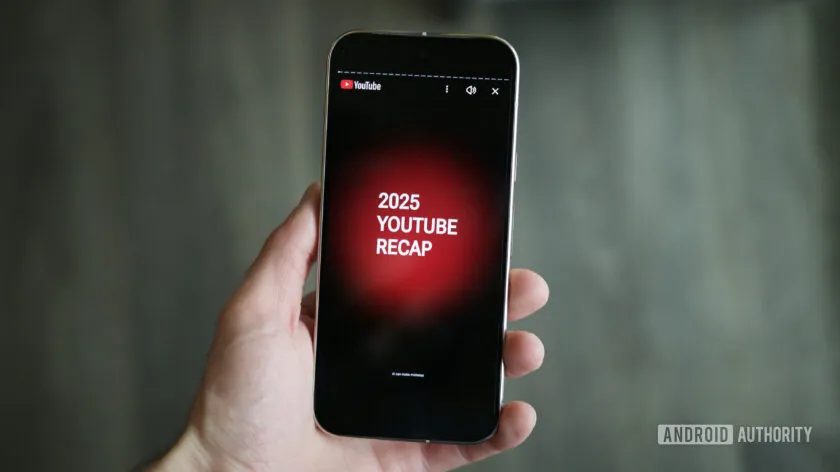
YouTube Recap, the platform’s popular end-of-year feature, allows users to relive their favorite videos, trends, and viewing habits from the past 12 months. However, many users have recently reported issues with their Recap not appearing, leaving fans wondering how to access their personalized summaries.
The issue often stems from account-specific settings or platform updates. Users who haven’t enabled watch history, for instance, may find that Recap fails to generate. Similarly, those who primarily view content in incognito mode or without signing into their Google account may encounter missing summaries.
To access your Recap, start by checking that your watch history is enabled. Navigate to your account settings under “Privacy & Personalization,” then ensure that watch and search histories are active. Once confirmed, visit YouTube’s Recap page, which is typically promoted via the homepage or notification center during the year-end rollout.
If your Recap still doesn’t appear, clearing the app cache, updating to the latest version, or logging out and back in can resolve most issues. For desktop users, switching browsers or disabling ad-blockers may also help. In some cases, Recap availability is rolled out gradually, meaning users in certain regions may receive it later than others.
YouTube Recap provides a fun way to reflect on trends, favorite creators, and binge-watching habits over the year. Once you regain access, users can view their most-watched videos, top categories, and even share their Recap with friends and family, turning the feature into a social highlight.
With these tips, anyone who has been frustrated by a missing Recap can quickly recover their personalized year-in-review experience and celebrate their YouTube highlights before the year ends.








Leave a Reply